
 4349
4349Incontrare il problema di "nessuna connessione di rete" durante la registrazione di un account TikTok può essere frustrante. Di seguito sono elencate alcune cause e le relative soluzioni, con 9 passaggi per aiutarvi a registrare con successo un account TikTok.
Le cause per cui TikTok non si connette alla rete sono:
1. Segnale di rete instabile: un segnale Wi-Fi debole o una connessione dati mobile instabile possono impedire la connessione ai server di TikTok.
2. Problemi del server: i server di TikTok potrebbero essere temporaneamente non disponibili o in manutenzione.
3. Problemi dell'app: l'app TikTok potrebbe presentare bug o problemi di compatibilità.
4. Restrizioni di rete: alcuni fornitori di servizi internet o organizzazioni potrebbero limitare l'accesso a TikTok.
9 soluzioni per il problema di "nessuna connessione di rete" durante la registrazione di un account TikTok
1. Utilizzare una rete dedicata TikTok:
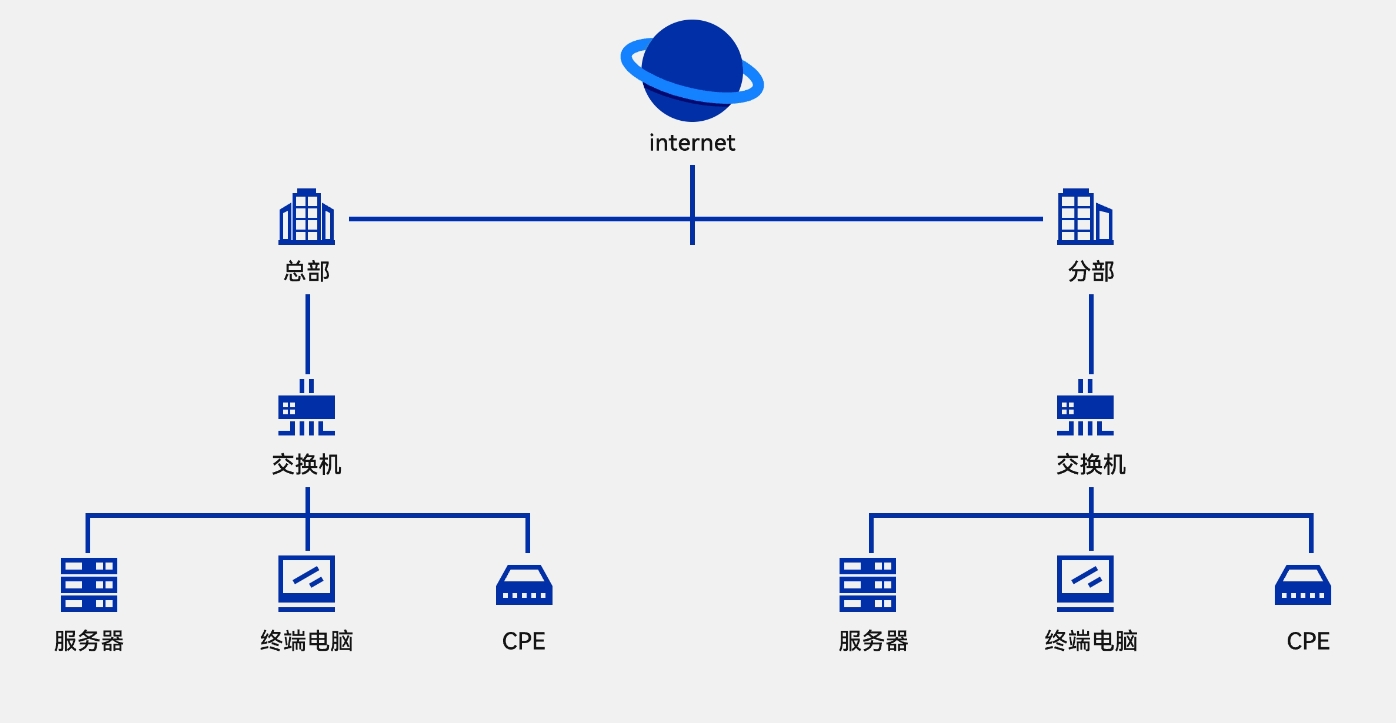
Se nella vostra zona ci sono restrizioni di accesso a TikTok, l'uso di una rete dedicata per live streaming all'estero di TikTok può risolvere il problema di connessione.
2. Controllare la connessione di rete:
Assicuratevi che il vostro dispositivo sia connesso a Internet e abbia una connessione stabile. Potete provare a connettervi ad altre app o siti web per verificare la stabilità della connessione.
3. Riavviare il dispositivo:
Spegnete e riaccendete il dispositivo; questo può risolvere alcuni problemi software.
4. Verificare gli aggiornamenti dell'app:
Assicuratevi che l'app TikTok sia all'ultima versione; le versioni precedenti potrebbero avere problemi di compatibilità.
5. Cancellare cache e dati:
Cancellare la cache e i dati dell'app TikTok può risolvere problemi dell'app. Nelle impostazioni del dispositivo, trovate la gestione delle app, selezionate TikTok, quindi cancellate cache e dati.
6. Escludere guasti alla connessione di rete:
Controllate il router Wi-Fi o la rete dati mobile per assicurarvi che non ci siano errori di configurazione o guasti temporanei.
7. Consentire i permessi dell'app TikTok:
Assicuratevi che l'app TikTok abbia i permessi necessari, come l'accesso alla rete.
8. Reinstallare l'app TikTok:
Disinstallare e reinstallare l'app TikTok può risolvere il problema di connessione.
9. Contattare il supporto TikTok:
Se nessuno dei metodi sopra funziona, potete contattare il supporto ufficiale di TikTok per assistenza.
Affrontando il problema di "nessuna connessione di rete" durante la registrazione di un account TikTok, con i 9 metodi di verifica sopra elencati, dovreste riuscire a trovare una soluzione adatta. Se il problema persiste, si consiglia di attendere pazientemente un po' di tempo prima di riprovare, o di cercare l'aiuto di un professionista. Ricordate, qualunque metodo adottiate, assicuratevi di rispettare le leggi e le normative, senza oltrepassare i limiti legali, per poter godere del divertimento dei video brevi di TikTok.