 1900
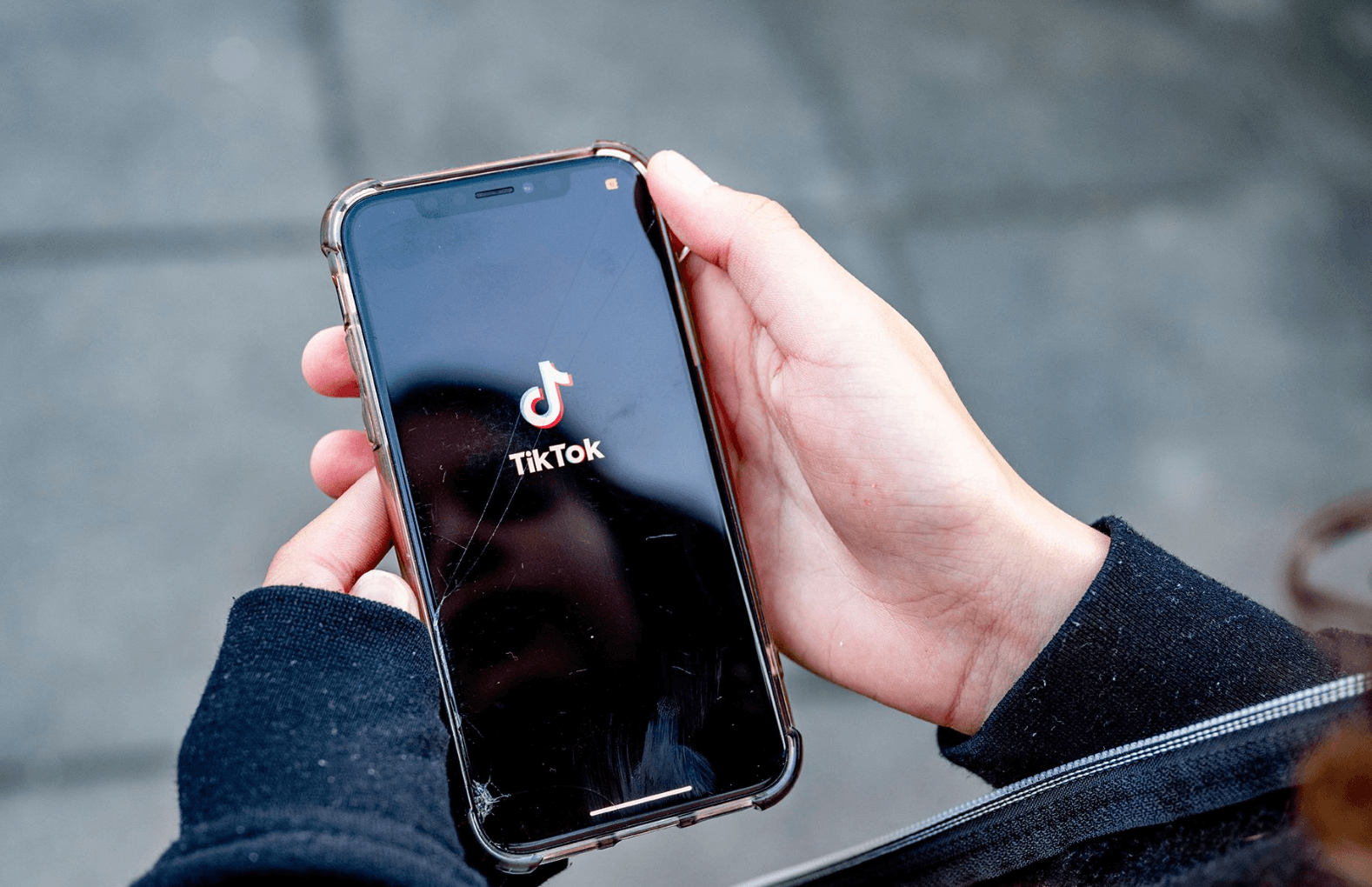
1900Ecco il metodo per gli utenti iOS nazionali che desiderano scaricare e registrarsi aTikTok. Per il download, prepara prima un telefono senza scheda SIM, poi vai su "Impostazioni del telefono", seleziona "Generale" e poi "Lingua e regione", e imposta la regione su un paese estero (ad esempio gli Stati Uniti).
Dopo aver modificato le impostazioni, registra un ID americano per accedere all'App Store, quindi cerca TikTok nella home page per scaricarlo e installarlo.
Una volta scaricato, passiamo allaregistrazione su TikTok, che può essere completata utilizzando un numero di telefono o un indirizzo email. Inoltre, è possibile registrarsi anche tramite accesso di terze parti come Facebook o Google, permettendo a tutti di iniziare a usare TikTok con successo.
【Video consigliato sui casi aziendali di TikTok】