 2698
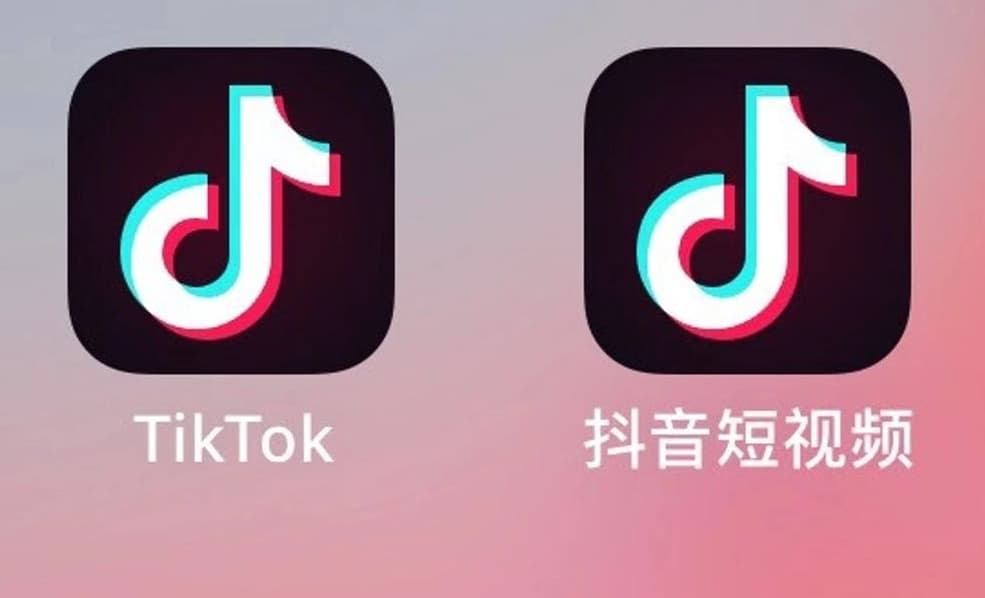
2698抖音は、現在中国国内で最も人気のあるショート動画プラットフォームとして、多くのユーザーが自己表現や日常の瞬間を共有するための人気の選択肢となっています。しかし、あまり知られていないのは、その英語版アプリ「TikTok」が世界的にさらに有名であることです。TikTokは創造性を発揮する場を提供するだけでなく、エンターテイメントやインスピレーションを得る源でもあります。では、抖音の英語版TikTokはどうやってダウンロードするのでしょうか?ダウンロードとインストールの完全ガイドを一挙にご紹介します。
一、TikTokダウンロード前の準備
TikTokをダウンロードする前に、スマートフォンまたはタブレットが以下の条件を満たしていることを確認してください:
1、ネットワーク環境は海外のTikTok専用回線に設定し、TikTok公式サイトなどの海外サイトに正常にアクセスできる必要があります。また、ダウンロードおよび使用中は、国内のSIMカードを端末に挿入しないでください。そうしないと、後で申請するTikTok国際版アカウントの機能が制限される可能性があります。
2、オペレーティングシステム:iOS 9.3以上、またはAndroid 6.0以上。
3、ストレージ容量:少なくとも500MBの空き容量。
二、TikTokのダウンロードチャネル
TikTokは複数のプラットフォームでダウンロードできます。iOSユーザーはApple App Storeで「TikTok」を検索してダウンロードできます。AndroidユーザーはGoogle Play Storeで見つけてインストールできます。

三、TikTokのダウンロード手順
1、アプリストアを開く:
iPhoneまたはiPadデバイスではApp Storeアプリを見つけて開き、AndroidデバイスではGoogle Play Storeアプリを開きます。
2、TikTokを検索:
対応するアプリストアの検索バーに「TikTok」と入力し、キーボードの「検索」キーを押します。
3、正しいTikTokアプリを選択:
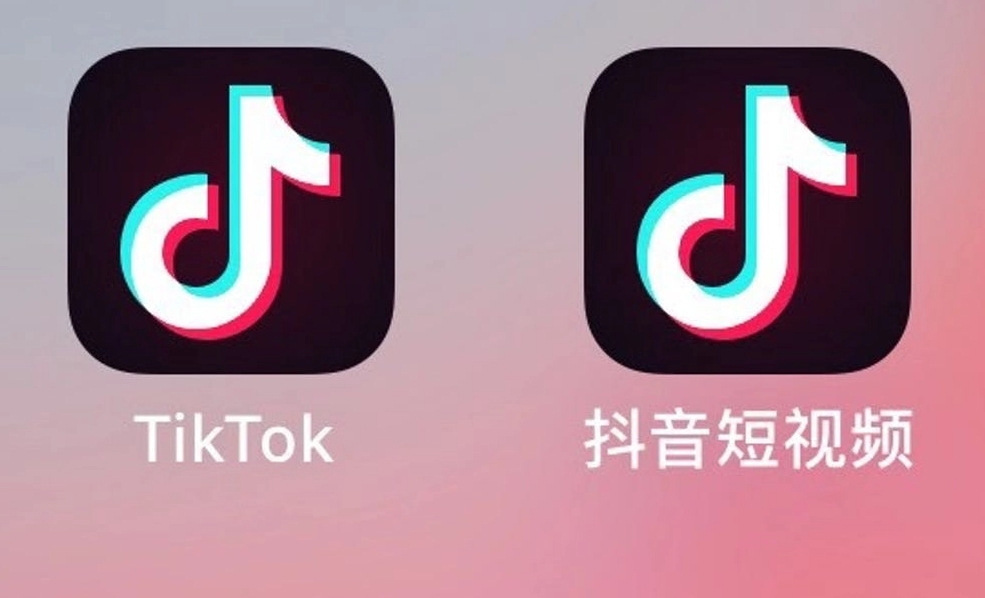
検索結果からTikTokの公式アプリを見つけます。明確なTikTokアイコンとアプリ名が表示されているはずです。
4、TikTokアプリをダウンロード:
「インストール」ボタンをクリックすると、アプリがデバイスにダウンロードされます。iOSデバイスでは、Apple IDパスワードの入力やFace ID/Touch IDによる認証が求められる場合があります。
5、TikTokアプリを開く:
ダウンロードが完了したら、「開く」ボタンをクリックしてTikTokアプリを起動するか、ホーム画面でTikTokアイコンを見つけてクリックします。これで抖音の英語版TikTokのダウンロードとインストールが完了です。
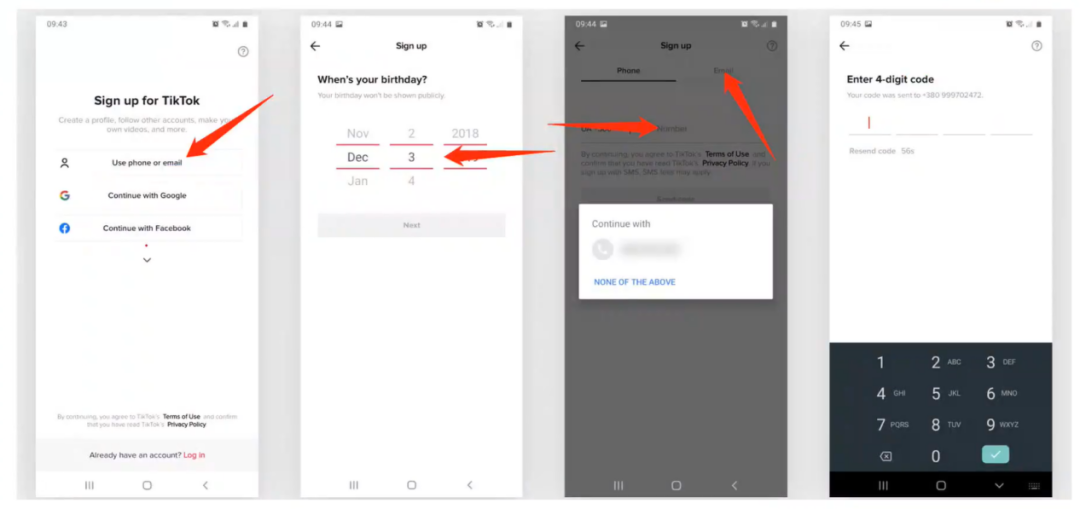
四、アカウント作成
TikTokをダウンロードしてインストールした後、アカウントを作成する必要があります。海外の電話番号、海外のメールアドレス、またはサードパーティのSNSアカウント(Facebook、Googleなど)を使用して登録できます。登録プロセスでは、ユーザー名や誕生日などの基本情報の提供が必要になる場合があります。現在、TikTokは18歳以上の成人のみが登録可能です。
五、プライバシー設定
プライバシーを保護するため、TikTokの使用を開始する前にプライバシーオプションを確認し設定することをお勧めします。設定でプライバシーオプションを見つけ、誰があなたの動画を視聴できるか、誰がメッセージを送信できるかなどを調整できます。
六、注意事項
TikTokを使用する際は、コミュニティガイドラインを遵守し、他者を尊重し、使用時間を適切に管理してください。また、アプリ内で個人情報や機密情報を共有しないでください。
抖音の英語版TikTokは、楽しさと創造性に満ちたプラットフォームです。コンテンツクリエイターになりたい方も、単に視聴を楽しみたい方も、ここにはあなたの居場所があります。上記の手順に従ってダウンロードし、TikTokの旅を始めましょう!